
Animation
Try it out: stop motion animation
A beginner course exploring drawn, cut-out and 3D stop-motion animation through practical exercises, capture, editing and compositing.
Choose a date before booking
Upcoming classes
1 class
About this course
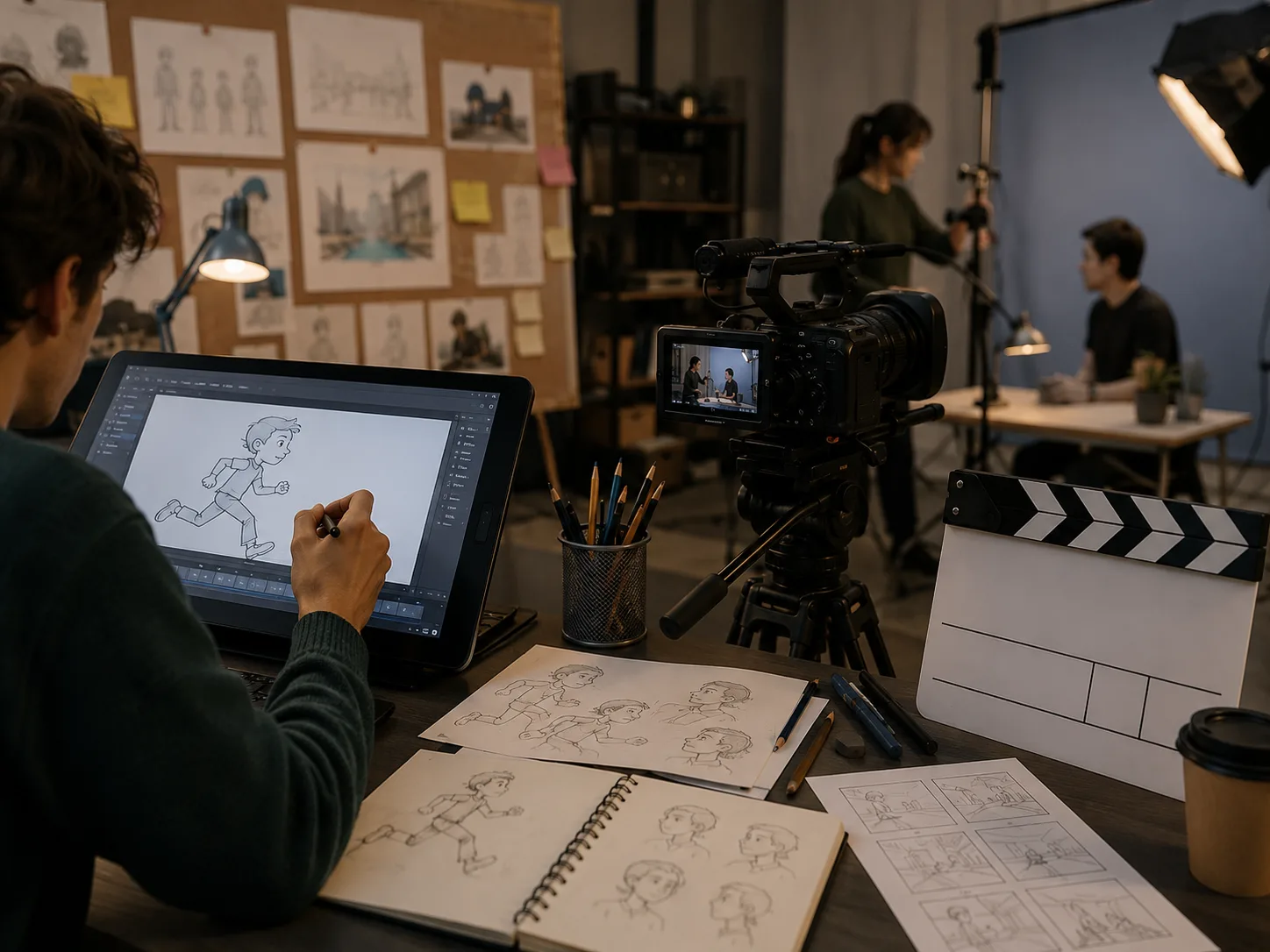
Participants experiment with drawn animation using sand, charcoal and paint, alongside cut-out shapes and figures and animation of 3D objects. They capture stop-motion sequences with Dragonframe and DSLR cameras, then edit and composite the results in Premiere Pro CC before exporting films in suitable formats. Teaching combines demonstrations, practical exercises, group and individual assistance, and handouts. Tasks, notes and resources are also provided through Google Classroom.
What you'll learn
- Recognise key aspects of professional stop-motion animation practice.
- Explain how frames and timing affect an animated sequence.
- Create sequences using drawn, cut-out and 3D animation techniques.
- Capture stop-motion footage with Dragonframe and a DSLR camera.
- Edit and composite animation in Premiere Pro CC.
- Export an animated sequence in an appropriate format for social media.
Is this course right for you?
The course is intended for beginners and does not require previous experience. Its practical format includes demonstrations, exercises and both group and individual assistance. The content may also suit animators at other levels, particularly digital animators seeking to refresh their practice or develop a showreel.
- No previous animation experience is required.
- Suitable for learners working through both group activities and individual assistance.
- May be relevant to digital animators revisiting or extending their existing practice.
Before you go
- All materials are provided.
- DSLR cameras, professional equipment and software are available for use during the course.
- A memory stick or portable hard drive is useful for storing work.
- Learners need to log in to Google Classroom before each session; it contains tasks, notes and resources.