Adobe Introduction to Animation with After Effects



An improver-level, beginner-friendly introduction to After Effects covering motion graphics through demonstrations, guided exercises and short creative projects.
About this course
Participants learn the main tools and workflows in Adobe After Effects, including the interface, compositions, timelines, file organisation and layers. Practical exercises introduce keyframe animation for position, scale, rotation and opacity, alongside animated text, titles, shape layers, colour, effects and transitions. The course also covers basic masks and compositing, adding sound and exporting video files. Teaching combines demonstrations with guided in-class practice, experimentation and short motion graphics projects, allowing learners to apply techniques as they are introduced.
What you'll learn
- Navigate the After Effects workspace, compositions and timelines
- Organise imported files and work with layers
- Animate position, scale, rotation, opacity, text and titles using keyframes
- Create motion graphics with shape layers, colour, effects and transitions
- Apply basic masks and compositing techniques
- Add sound and export completed video files
Is this course right for you?
The course is described as beginner-friendly while carrying an Improver level label. No previous After Effects experience is required, although good basic computer skills are essential. Learners should expect to follow demonstrations, complete practical tasks in class and receive individual feedback. Familiarity with software such as Photoshop or Premiere Pro is presented as useful rather than required.
- Suitable for learners developing digital skills through structured practical exercises
- Includes individual feedback alongside guided class activities
Before you go
- Good basic computer skills are essential.
- Existing experience with Photoshop, Premiere Pro or another software application is ideal but not required.
- No previous experience in After Effects is required.
Where this course runs
- Selected class
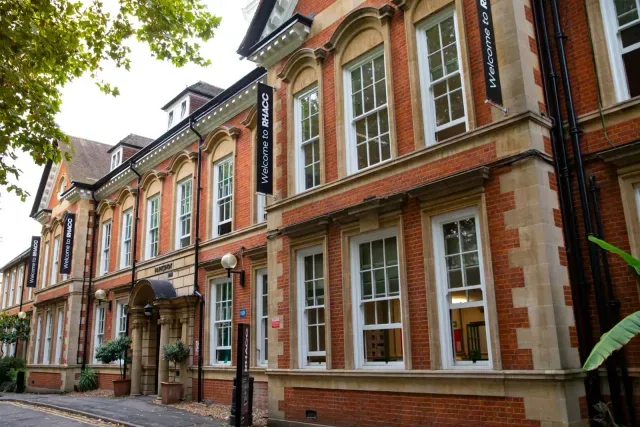
Parkshot, Richmond upon Thames, London TW9 2RE
Richmond upon Thames, London TW9 2RE
Nearest station: Richmond
View venue details ›
Upcoming classes
2 classes
Selected date
Wed 13 Jan 2027
18:30 – 21:00 • 10 weeks
£152
Parkshot, Richmond
Animation team
Book this class →Other available dates
| Starts | Schedule | Length | Teacher | Venue | Price | |
|---|---|---|---|---|---|---|
13 Jan 2027 Wednesdays | 18:30 - 21:00 | Short course10 weeks | AnimationTeacher | ParkshotRichmond upon Thames, London TW9 2RE | £152.00 | Book now |
21 Apr 2027 Wednesdays | 18:30 - 21:00 | Short course10 weeks | AnimationTeacher | ParkshotRichmond upon Thames, London TW9 2RE | £151.00 |
Wed 21 Apr, 18:30 - 21:00
10 weeks10 weeksWed 18:30£151AnimationTeacherParkshot