Adobe Premier Pro and digital editing: stage 1



An introductory course in Adobe Premiere Pro covering essential editing tools, sound, transitions and sequencing for beginner-level learners.
About this course
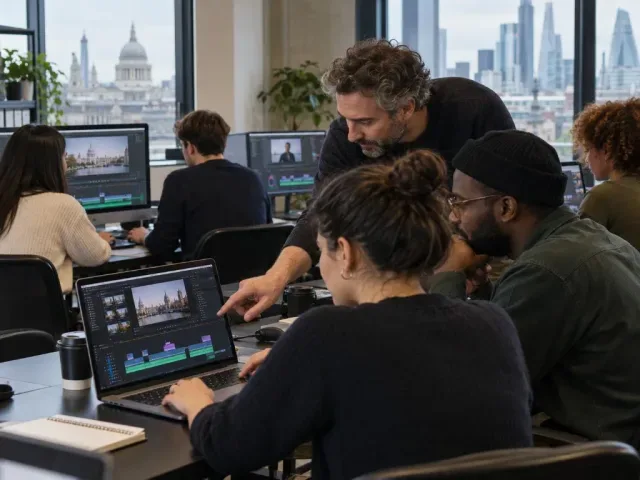
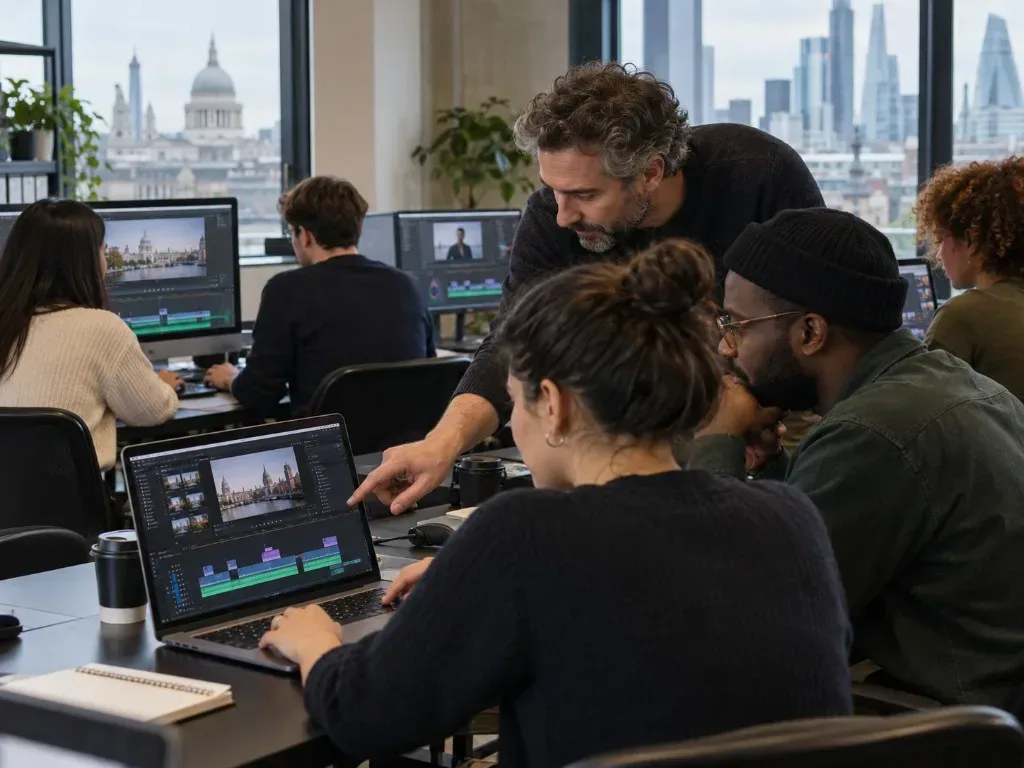
The course introduces Premiere Pro through the interface, source-monitor editing and core techniques including insert and overlay edits, A/B rolls, markers, transitions and effects. It also examines editing conventions, narrative sequencing and sound manipulation while working with professionally shot footage. Teaching combines demonstrations, short lectures, workshops, practical exercises, handouts and individual tutorials. Periodic forum sessions provide opportunities to review work and discuss editing, filmmaking and post-production. Participants use the techniques covered to assemble their own moving-image sequence.
What you'll learn
- Edit clips in the source monitor
- Carry out and distinguish between insert and overlay edits
- Use the selection and pen tools
- Adjust sound levels and place editing markers
- Apply transitions between clips
- Construct a coherent editing sequence
Is this course right for you?
This beginner-level introduction is intended for learners starting to use Premiere Pro and exploring the basic principles of moving-image editing. Computer experience may be helpful but is not necessary. Participants should be able to follow written and spoken instructions and take part in group discussions and work reviews.
- No previous computer experience is stated as necessary
- The course includes individual tutorial support alongside group discussions
- Learners are expected to follow written, verbal and health and safety information
Before you go
- Classes use Apple Mac computers.
- Removable storage may be useful for keeping work, although learners have an account for storing projects during the course.
- Handouts are provided, and subject-related books are available in the library.
- A PC-formatted USB stick or portable hard drive can be read by Apple Mac computers but cannot be written to.
Upcoming classes
No dates available
There are no upcoming dates listed for this class right now. Check back soon, or visit the provider page for the latest schedule.