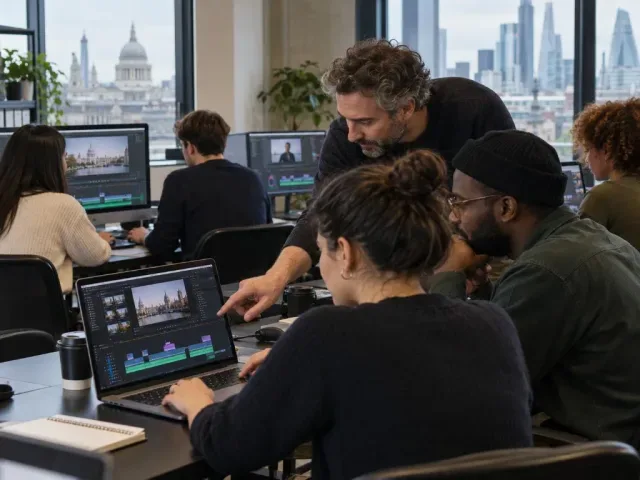
Adobe Premier Pro and digital editing: stage 2

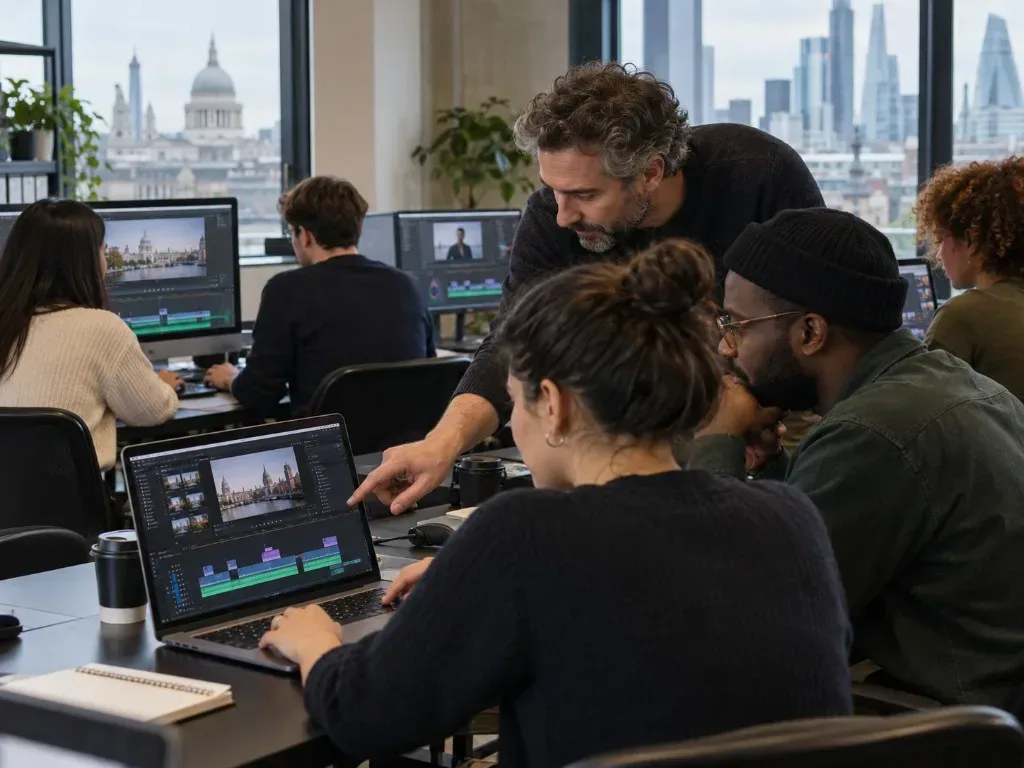


An improver-level course developing Premiere Pro editing techniques through practical exercises and concepts of narrative construction and visual literacy.
About this course
The course examines how editing choices shape narrative, combining practical exercises with concepts of visual literacy. Learners work on refining rough cuts, organising and managing footage, and using Premiere Pro tools to adjust clips and construct smoother edits. Topics include Motion properties, transitions, effects, animation over time and screen direction. Teaching takes place through activities on Zoom, with supporting notes, tasks and demonstration videos available through Google Classroom.
What you'll learn
- Organise and sort video clips for editing
- Refine a rough cut using the ripple tool
- Adjust clip size and appearance with Motion properties
- Apply transitions and effects in post-production
- Animate changes over time
- Identify screen direction within an edit
Is this course right for you?
This course is intended for improvers with some experience using Premiere Pro or DaVinci Resolve. Basic computer skills and some knowledge of Premiere are essential. Participation involves completing activities during online Zoom sessions, with further editing practice outside class encouraged.
- Some experience with Premiere Pro or DaVinci Resolve is expected
- Learners take part in practical activities during the online sessions
Before you go
- Learners use editing software on their own computers during the Zoom sessions.
- Clips for the course are provided by the tutor.
- Tasks, notes, resources and demonstration videos are stored in Google Classroom.
- Learners need to log in to Google Classroom before each session.
Class teacher
Lily Markiewicz
Class teacher
Where this course runs
Upcoming classes
1 class
Selected date
Sun 24 Jan 2027
10:30 – 16:30 • 4 weeks
£349
Keeley Street, Covent Garden