
Becoming confident in digital skills: Word, Excel, PowerPoint and Outlook (beginner)



Beginner course covering Word, Excel, PowerPoint and Outlook through guided tasks, practice and individual, pair and group work.
About this course
Participants learn to create and edit documents in Word, including letters and basic templates, then format, check and print them. In Excel, they enter data, present it in tables and use basic calculations for tasks such as simple budgets. The course also covers creating PowerPoint presentations with text and images, controlling slide content, organising files and managing file security. Outlook activities focus on sending, receiving and organising emails. Teaching is step by step, with tutor guidance, explanation of task purpose and opportunities to practise in class.
What you'll learn
- Create, save and edit Word documents such as letters and basic templates
- Format and check text using font controls, spell check and grammar check
- Enter, format and present data in Excel tables
- Perform basic Excel calculations for tasks such as creating a simple budget
- Create PowerPoint slides containing text and images and control their presentation
- Organise files, maintain file security and manage emails in Outlook
Is this course right for you?
The course is intended for learners at beginner level who can already use a computer for email and internet activities but want to develop their use of Word, Excel, PowerPoint and Outlook. Complete beginners are directed to a preceding computer and online skills course. Participation includes working independently, in pairs and in groups, with work required outside class.
- Some prior computer, email and internet use is expected
- Complete beginners are advised to take a preceding course
- The course includes independent, pair and group participation
- Work outside the classroom is required
Before you go
- Bring a pen, lined A4 paper and a file for keeping course work.
- Handouts are provided, along with access to Google Classroom for communication and online materials.
- Work outside the classroom is required, using Google Classroom to support learning.
Where this course runs
Upcoming classes
2 classes
Selected date
Mon 11 Jan 2027
18:00 – 21:00 • 4 weeks
£174
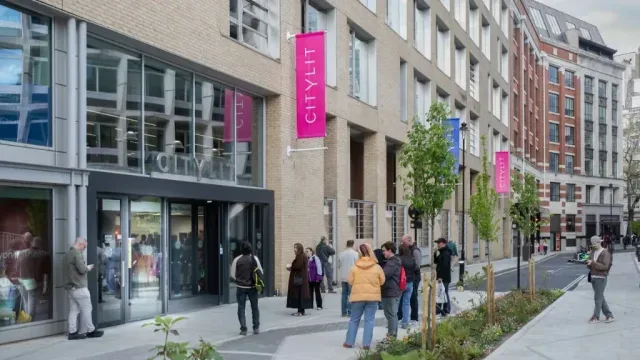
Keeley Street, Covent Garden
Digital Skills team
Book this class →Other available dates
| Starts | Schedule | Length | Teacher | Venue | Price | |
|---|---|---|---|---|---|---|
11 Jan 2027 Mondays | 18:00 - 21:00 | Short course4 weeks | DigitalSkillsTeacher | Keeley StreetWC2B 4BA | £174.00 | Book now |
18 Apr 2027 Sundays | 10:00 - 16:15 | Short course4 weeks | DigitalSkillsTeacher | Keeley StreetWC2B 4BA | £153.00 |
Sun 18 Apr, 10:00 - 16:15
4 weeks4 weeksSun 10:00£153DigitalSkillsTeacherKeeley Street