
Beginner how to use a computer part 2 (spring)



Beginner (A1) course covering Google Drive, Google Workspace collaboration and video conferencing.
About this course
The course introduces core Google Drive tasks, including uploading, downloading and sharing work. It also covers collaborative work within Google Workspace and provides an opportunity to learn about video conferencing.
What you'll learn
- Upload and download work using Google Drive
- Share work through Google Drive
- Use collaborative features within Google Workspace
- Learn about video conferencing
Is this course right for you?
The course is labelled Beginner (A1), suggesting an introductory level of digital skills. As a part 2 course, it focuses on extending basic computer use into online file management, collaboration and video conferencing.
Where this course runs
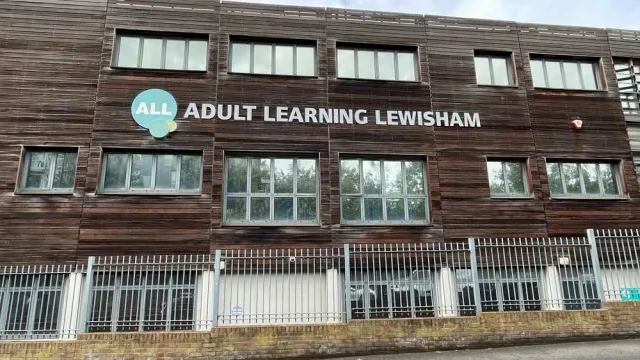
Adult Learning Lewisham
Creative and leisure classes at Granville Park
3 digital skill courses on Learn.LondonUpcoming classes
1 class
Selected date
Fri 8 Jan 2027
13:00 – 15:00 • 10 weeks
£20
Granville Park Adult Education Centre, Lewisham
Digital Skills team
Book this class →| Starts | Schedule | Length | Teacher | Venue | Price | |
|---|---|---|---|---|---|---|
8 Jan 2027 Fridays | 13:00 - 15:00 | Short course10 weeks | DigitalSkillsTeacher | Granville Park Adult Education Centre100 Granville Park, London SE13 7DU | £20.00 | Book now |
Fri 8 Jan, 13:00 - 15:00
Book now10 weeks10 weeksFri 13:00£20DigitalSkillsTeacherGranville Park Adult Education Centre