Beginners Video Editing with Adobe Premiere Pro

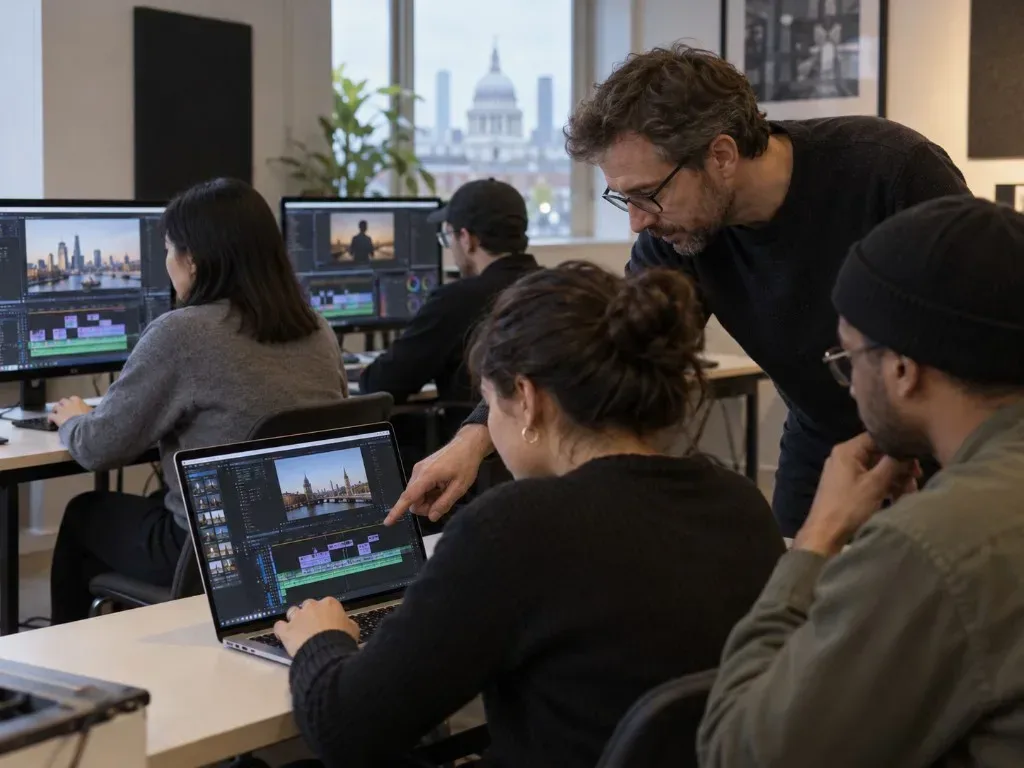

Beginner workshops introduce Adobe Premiere Pro through editing techniques for creating, refining and exporting a short video.
About this course
Participants use Adobe Premiere Pro to assemble moving-image footage into a basic sequence, working with cuts, transitions and basic colour grading. The workshops also cover adding titles, applying video effects and setting audio levels. The course concludes with exporting an edited sequence, giving learners an introduction to the main stages of producing a short video or film.
What you'll learn
- Import media files and assemble footage into a basic sequence
- Cut video clips and apply transitions
- Apply basic colour grading to moving-image clips
- Create titles and use video effects
- Set audio levels and export an edited sequence
Is this course right for you?
This course is designed for complete beginners in video editing and does not require previous editing knowledge. The workshop format suits learners developing foundational skills with Adobe Premiere Pro.
Before you go
- Learners should have basic computer skills.
Where this course runs
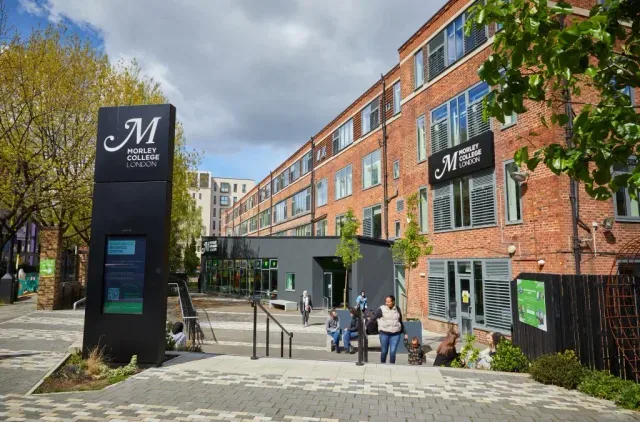
Morley College
Adult education across Waterloo, Chelsea, North Kensington and Stockwell
2 filmmaking courses on Learn.LondonUpcoming classes
1 class
Selected date
Tue 10 Nov 2026
18:00 – 21:00 • 5 weeks
£240
Chelsea Campus, Chelsea
Filmmaking team
Book this class →