Da Vinci Resolve video editing: beginners' intensive



An intensive beginner course covering DaVinci Resolve’s editing interface, core cutting techniques, audio adjustments and project export.
About this course
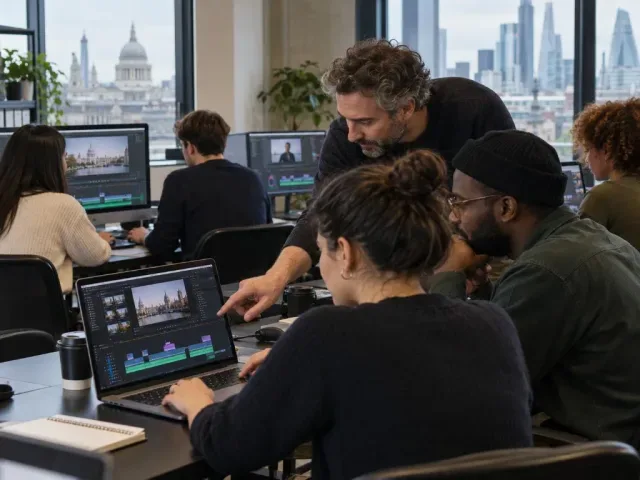
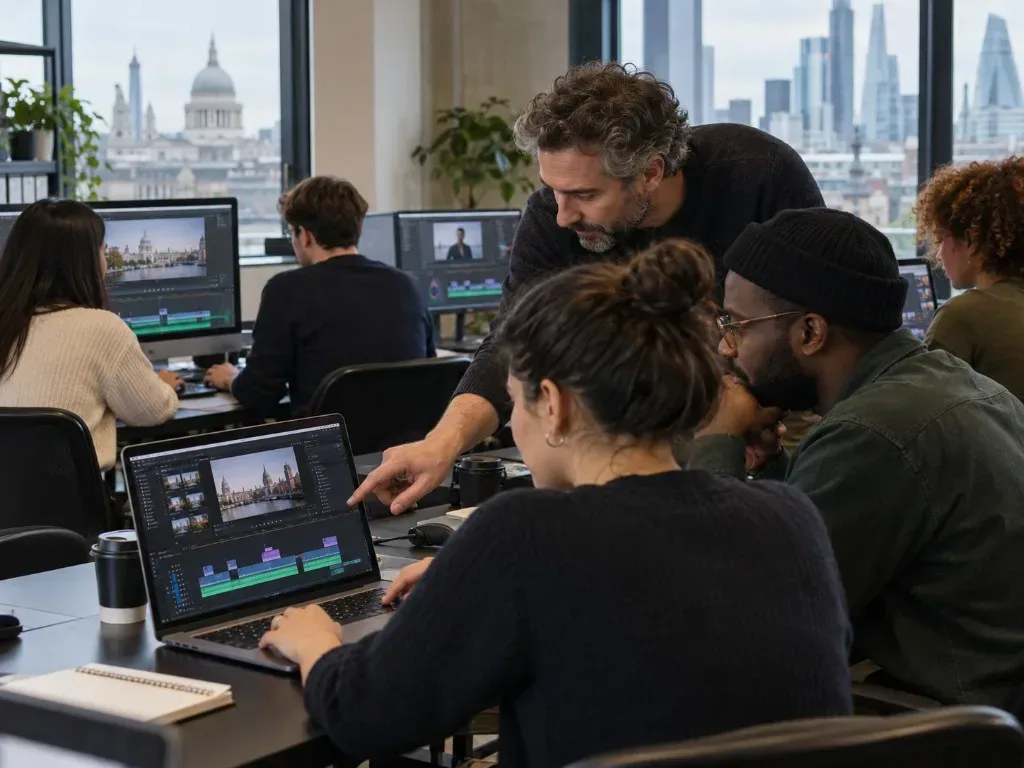
The course introduces DaVinci Resolve alongside fundamental principles of editing moving-image footage. Participants work with professionally shot material, importing footage and audio before creating edits using inserts, overlays and A/B rolls. Teaching also addresses narrative sequencing, the relationship between technical and conceptual editing decisions, sound management and output formats. Sessions cover the software interface and the main stages of an editing workflow. Participants use key frames to adjust volume and export a completed project as a movie in an appropriate format.
What you'll learn
- Navigate the main windows and functions of DaVinci Resolve
- Import video footage with audio
- Create insert and overlay edits
- Distinguish between insert and overlay editing
- Use key frames to adjust sound levels
- Export an edited project in an appropriate format
Is this course right for you?
The course is intended for beginners learning video editing with DaVinci Resolve. It involves guided work on editing tasks using a computer, including importing footage, making cuts, adjusting sound and exporting a project. The source does not specify previous experience requirements.
- Requires access to a computer running DaVinci Resolve
- Participants should test that DaVinci Resolve runs before attending
- Course tasks, notes and resources are accessed through Google Classroom
Before you go
- Participants need access to DaVinci Resolve on a computer and should test that it runs before the course.
- Google Classroom is used for tasks, notes, resources and demonstration videos; participants need to log in before each session.
Class teacher
Lily Markiewicz
Class teacher
Where this course runs
Upcoming classes
1 class
Selected date
Tue 3 Aug 2027
10:30 – 16:30 • 2 days
£199
Keeley Street, Covent Garden