Da Vinci Resolve video editing: stage 1



An introductory DaVinci Resolve course covering essential video-editing tools and techniques for beginners through workshops, demonstrations and tutorials.
About this course
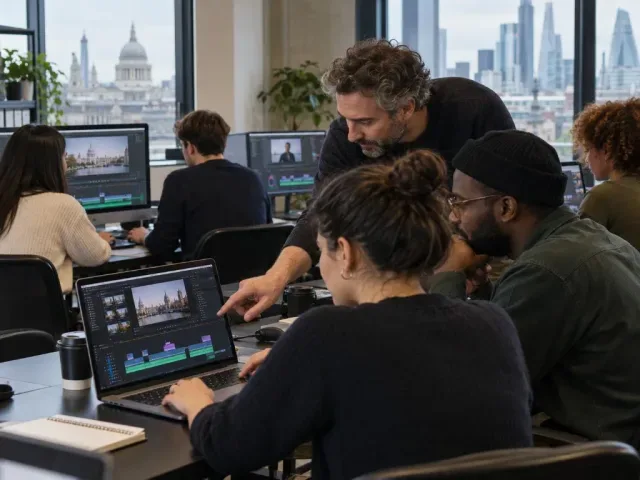
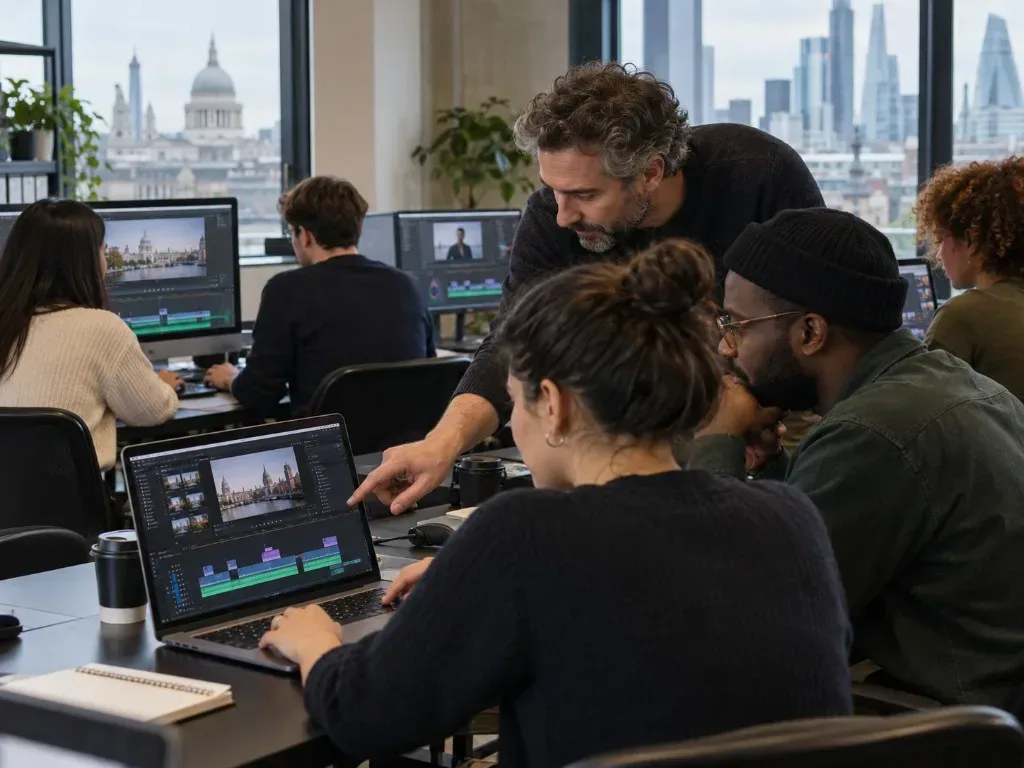
The course introduces DaVinci Resolve’s interface and the main stages of editing moving-image footage. Participants import video and audio, work with insert and overlay edits, explore A/B rolls and narrative sequencing, adjust sound using keyframes, and export a finished project in a suitable format. Teaching combines workshops, short lectures, demonstrations, tutorials, and group and individual assistance. Online notes, resources and assignments are provided through Google Classroom, with opportunities for interaction and peer feedback.
What you'll learn
- Identify the main windows in DaVinci Resolve and explain their roles
- Import video footage with audio into a project
- Apply insert and overlay edits and distinguish between them
- Use keyframes to manipulate audio volume
- Export an edited project in an appropriate format
Is this course right for you?
This Beginner course is designed for complete beginners, including learners who are new to video editing software. Basic computer literacy is important, while experience with other editing programmes may be advantageous. Participation includes group and individual activities, online tasks and interaction through Google Classroom.
- Suitable for complete beginners
- Basic computer literacy is important
- Experience with other editing software may be advantageous
- Includes online activities, assignments and peer feedback through Google Classroom
Before you go
- Learners need access to DaVinci Resolve on their own computer and should test that it runs before the course.
- Learners need to log in to Google Classroom before the course starts and before each session.
Class teacher
Lily Markiewicz
Class teacher
Where this course runs
Upcoming classes
1 class
Selected date
Wed 20 Jan 2027
10:00 – 13:00 • 4 weeks
£329
Keeley Street, Covent Garden