Da Vinci Resolve video editing: stage 3 intensive



An improver-level DaVinci Resolve course covering professional workflows, colour management, dialogue editing and output through demonstrations and practical exercises.
About this course
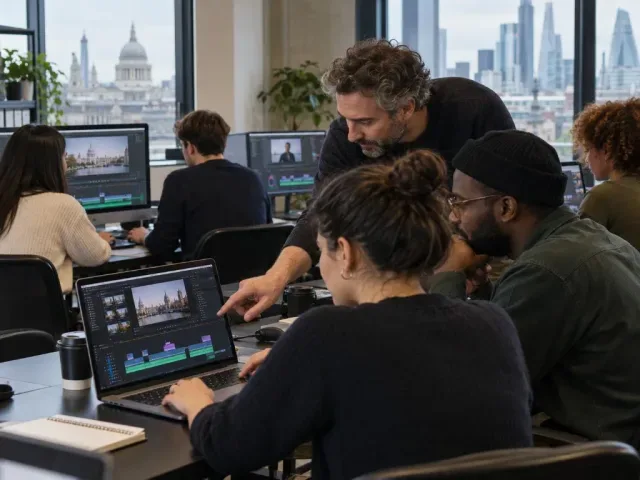
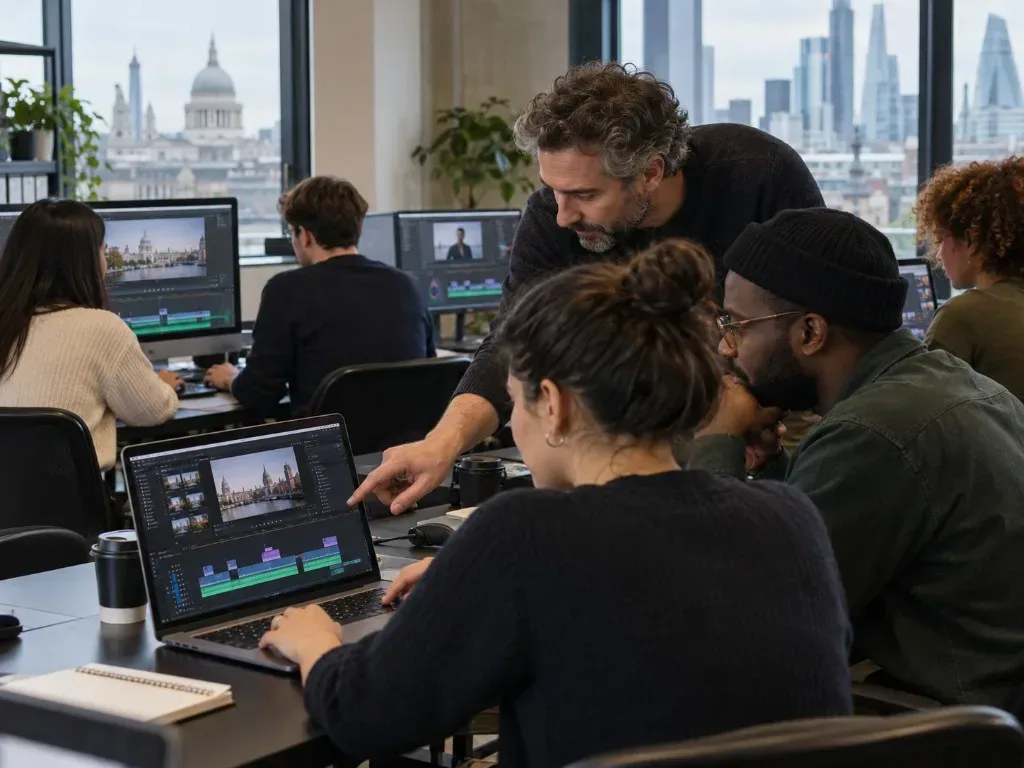
The course examines professional editing methods in DaVinci Resolve, including workflow planning, keyboard shortcuts, track allocation, video scopes for colour management and techniques for improving dialogue edits. Practical exercises are combined with demonstrations, short lectures, workshops, worksheets and individual tutorials. Group sessions may involve reviewing participants’ work and discussing editing and filmmaking techniques. Feedback is provided during the course, with time to review progress at the end.
What you'll learn
- Plan an editing workflow suited to a project
- Use keyboard shortcuts to place, edit and move clips
- Apply track allocation as a way to structure an edit
- Use video scopes to identify black-and-white levels for colour management
- Apply techniques to improve dialogue edits
Is this course right for you?
This course is intended for experienced learners who want to extend their editing knowledge. Previous experience with DaVinci Resolve is necessary to benefit fully. Participation includes practical exercises, group discussion and reviewing work, alongside demonstrations and individual tutorial support.
- Learners should be able to follow written and spoken instructions.
- The course includes group discussion and opportunities to comment on others’ work.
- Basic use of numbers, measurements and calculations is expected.
Before you go
- A notebook may be useful for recording ideas and techniques.
- Apple Mac computers and access to the software are provided during the course.
Class teacher
Lily Markiewicz
Class teacher
Where this course runs
Upcoming classes
1 class
Selected date
Sat 24 Jul 2027
10:30 – 16:30 • 2 days
£199
Keeley Street, Covent Garden