Design your own garden



A beginner course in planting design covering garden plans, plant selection, planting styles and visual presentation methods.
About this course
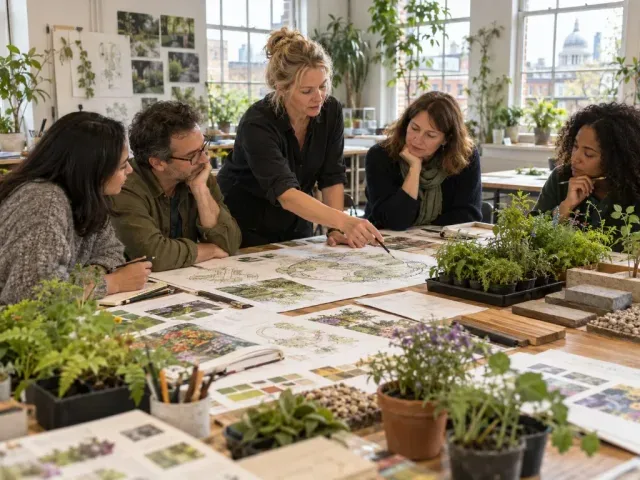
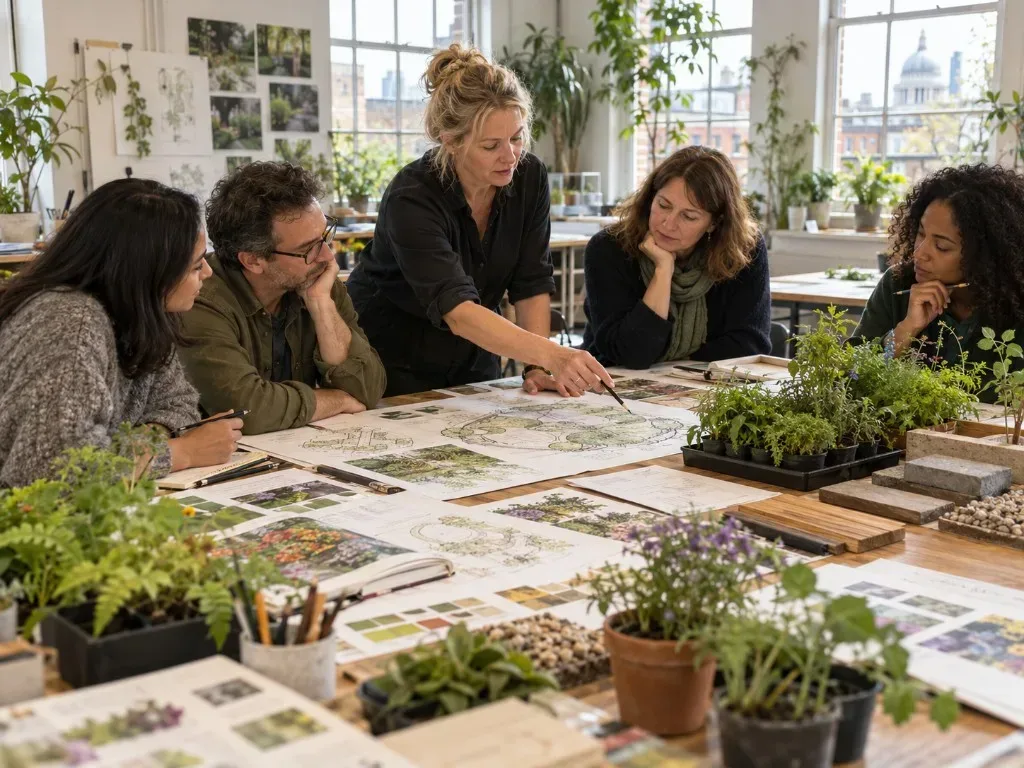
The course introduces planting design through tutor presentations, practical workshops, informal discussion and independent projects. Participants investigate plants for different conditions, compare styles including Prairie, Formal and Country Cottage, and explore how form, texture, focal points, triangulation, scale and aspect shape a scheme. Projects include visual research, mood boards, planting plans and elevation drawings. The course also covers pot sizes, planting distances and methods for presenting design ideas. Handouts, tasks, notes and demonstration videos are provided through Google Classroom, with preparation and homework encouraged outside class.
What you'll learn
- Explain how form, texture and other design elements contribute to a planting scheme
- Identify characteristics of different planting styles
- Compile visual research and develop a mood board
- Create a scaled planting plan for a garden
- Draw an elevation showing selected plants
- Select plants suited to different conditions and recognise healthy specimens
Is this course right for you?
This course is labelled beginner and is intended as an introduction to planting design. Participants work through group workshops as well as independent projects, including drawing and research tasks. Preparation and homework outside class are strongly encouraged.
- Includes both collaborative workshops and individual project work
- Requires preparation and homework outside class
- Uses drawing, visual research and discussion as part of the course
Before you go
- Optional materials for home working include graph paper, tracing or greaseproof paper, masking tape, a notebook, pencil, eraser and a long tape measure.
- Printable graph paper and a scale rule are provided in the handouts.
- Course tasks, notes, resources and demonstration videos are stored in Google Classroom; learners need to log in before each session.
Class teacher
Alison Worster
Class teacher
Where this course runs
Upcoming classes
1 class
Selected date
Wed 20 Jan 2027
14:00 – 17:00 • 9 weeks
£319
Keeley Street, Covent Garden