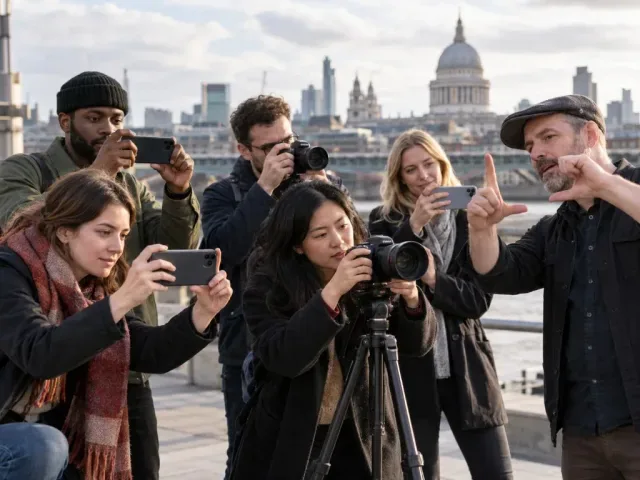
DSLR for video: shoot and edit in 3 days

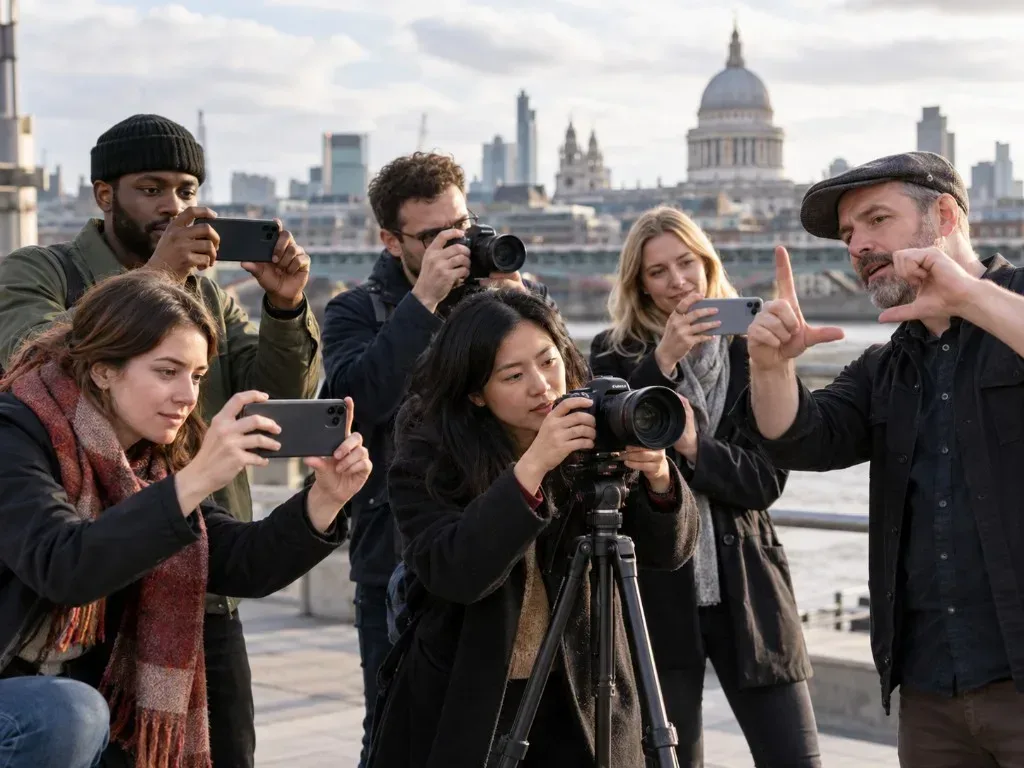


Beginner course covering DSLR video recording, camera settings, lens use and basic editing in Adobe Premiere Pro.
About this course
The course introduces video recording with a digital camera, including recording-format setup, automatic operation and selected manual settings for different shooting conditions. It also examines the use of different lenses. Participants then import their footage into Adobe Premiere Pro, create a short edited sequence and export it as a playable QuickTime movie.
What you'll learn
- Set up a digital camera for video recording and format an SD card
- Record video using the camera’s automatic mode
- Apply selected manual settings to adapt footage to shooting conditions
- Recognise applications for different lenses
- Import, edit and export a short video sequence in Adobe Premiere Pro
Is this course right for you?
The course is labelled Beginner, indicating an introductory treatment of DSLR video recording and editing. It suits learners who want to work through the process of capturing footage, preparing files and producing a short edited sequence.
- Covers both camera operation and post-production
- Includes individual video footage and editing tasks
Class teacher
David Kline
Class teacher
Where this course runs
Upcoming classes
1 class
Selected date
Mon 19 Jul 2027
10:30 – 16:30 • 3 days
£249
Keeley Street, Covent Garden