
File Management and Online Working with MS OneDrive, Outlook and Teams


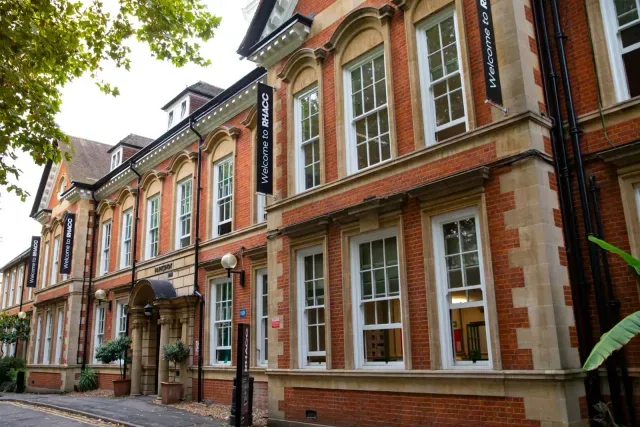

An improver-level classroom course covering OneDrive, Outlook, Windows 10 file management and Microsoft Teams.
About this course
The course develops practical file management and online working skills across OneDrive, Outlook, Windows 10 and Microsoft Teams. Participants explore cloud and local storage, file organisation, sharing permissions, email folders, signatures, archiving, calendars and automatic replies. They also practise navigating Teams, sharing files, messaging, making calls, creating meetings, screen sharing, channels, Forms and assignment tools. Teaching combines work-related class tasks with group and pair work, one-to-one support and ongoing feedback. Learning is evidenced through a Personal Learning Plan and portfolio built from classroom exercises.
What you'll learn
- Organise, upload, download, edit and share files using OneDrive
- Manage email folders, distribution lists, signatures, archives and calendar functions in Outlook
- Move, copy, search, compress and extract files using Windows 10
- Use Microsoft Teams to communicate, share files, create channels and participate in meetings
- Create and use collaborative tools, including Forms, assignments and grades within Teams
Is this course right for you?
This improver-level course is intended for learners who already have a basic understanding of the software covered and can use a computer for routine tasks. It requires enough English to communicate clearly and take part in classroom discussions. Previous Office study is suggested, although relevant practical experience may also be considered.
- Learners should be confident using a keyboard, mouse and computer.
- The course includes group and pair work, class tasks and individual support.
- Participants should be able to create, save and file a document and use the internet to research and download information.
Before you go
- Learners need English at a minimum of Level 1 equivalent to communicate with the tutor and participate in discussions.
- A college certificate of completion is available through producing a Personal Learning Plan and portfolio from class exercises.
- Students can access a free Microsoft 365 licence by becoming an RHACC student.
Where this course runs
Upcoming classes
1 class
Selected date
Thu 7 Jan 2027
10:00 – 13:45 • 2 days
£68
Parkshot, Richmond
Digital Skills team
Book this class →