
File Management and Online Working with Onedrive, Outlook and Teams


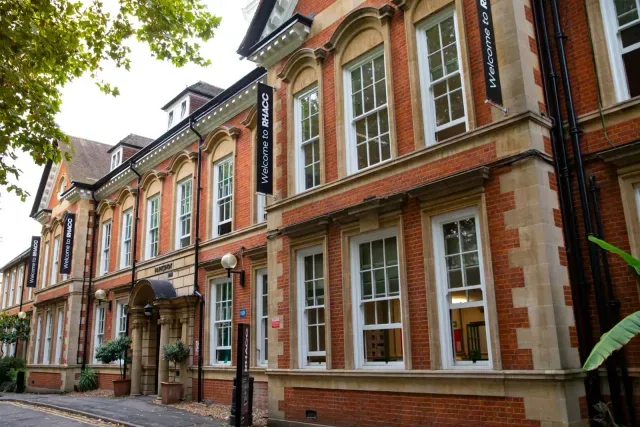

Improver-level classroom course covering OneDrive, Outlook, Windows 10 file management and Microsoft Teams for digital work and collaboration.
About this course
The course develops practical skills for managing files and working online across Microsoft tools. Participants explore OneDrive storage, synchronisation, file sharing and collaboration; organise files and compressed folders in Windows 10; and use Outlook for folders, distribution lists, signatures, archiving, calendars and automatic replies. Teaching is classroom-based and includes work-related material, class tasks, pair and group work, and one-to-one support. Microsoft Teams topics include channels, chats, calls, meetings, screen sharing, Forms, assignments and grades. Learning is evidenced through a Personal Learning Plan and portfolio based on class exercises, with tutor feedback.
What you'll learn
- Manage, organise, upload, download and share files using OneDrive and local Windows storage.
- Use Outlook features including folders, distribution lists, signatures, archiving, calendars and automatic replies.
- Navigate Microsoft Teams to communicate, share files, create channels and participate in meetings.
- Use Teams features such as screen sharing, recording and Microsoft Forms for collaborative work.
- Create, compress, extract and search files while recognising common file types and extensions.
Is this course right for you?
The course is intended for improver-level learners developing beyond basic computer use. Participants should be able to use a keyboard, mouse and computer confidently, create and save documents, organise files and use the internet. Basic familiarity with the software is expected, with previous Office study or practical experience considered beneficial. Clear English at approximately Level 1 equivalent is needed for classroom communication.
- Classroom participation includes pair work, group work and class tasks.
- One-to-one support and careers advice are included in the teaching approach.
- Learners produce a Personal Learning Plan and portfolio from class-based exercises.
Before you go
- RHACC students can access a free Microsoft 365 licence.
- A college certificate of completion is gained through producing a Personal Learning Plan and portfolio.
Where this course runs
- Selected class
Parkshot, Richmond upon Thames, London TW9 2RE
Richmond upon Thames, London TW9 2RE
Nearest station: Richmond
View venue details ›
Upcoming classes
1 class
Selected date
Thu 7 Jan 2027
10:00 – 13:45 • 2 days
£68
Parkshot, Richmond
Digital Skills team
Book this class →