Film Editing with Adobe Premiere Courses



A practical beginner course covering Adobe Premiere Pro editing, sound, graphics, effects and exporting through guided exercises.
About this course
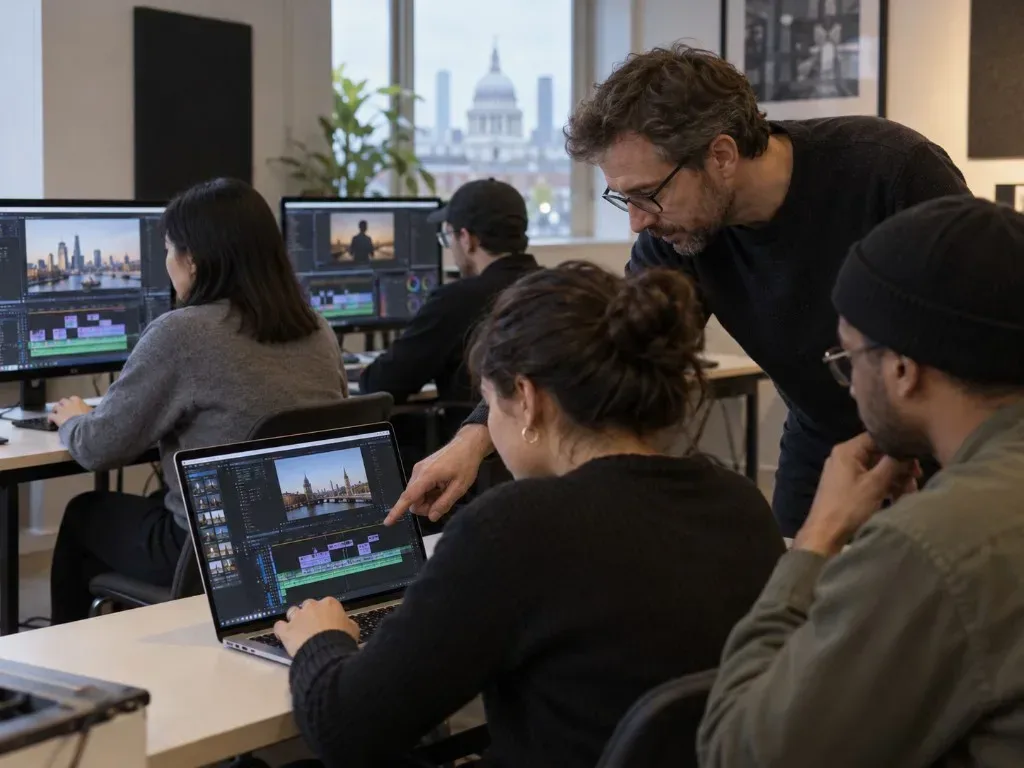
The course introduces Adobe Premiere Pro through practical editing exercises, starting with workspace navigation, footage organisation and assembly edits before progressing to cutting, trimming, transitions, effects and keyframes. Participants work with audio, including dialogue cleaning, music and sound effects, and create titles and graphics using Premiere Pro’s available tools. Exercises include removing green-screen backgrounds with Ultra Key and completing a short promotional edit for a client brief. The course also covers exporting projects in multiple formats for online sharing, with personalised feedback included during the learning process.
What you'll learn
- Organise footage and prepare it for editing in Premiere Pro
- Construct and refine an assembly edit using cutting and trimming tools
- Apply transitions, effects, keyframes and Ultra Key to edited footage
- Clean dialogue and combine music and sound effects within an edit
- Create titles and graphics using Premiere Pro’s title and graphics tools
- Export completed projects in formats suitable for online sharing
Is this course right for you?
The course is designed for complete beginners in film editing and uses guided practical exercises. Learners who have already tried basic editing can also take part, as the course provides a structured introduction to Premiere Pro.
- Suitable for learners with no previous editing experience
- Can also accommodate learners who have experimented with basic editing
Before you go
- All necessary equipment and Adobe Premiere software are provided.
- Provided footage is used for practical exercises; participants may bring their own clips for additional practice.
Class teacher
Lyndon Ives
Class teacher
Where this course runs
Upcoming classes
7 classes
Selected date
Thu 26 Nov 2026
18:30 – 21:00 • 4 weeks
£250
City Academy, Farringdon
Other available dates
| Starts | Schedule | Length | Teacher | Venue | Price | |
|---|---|---|---|---|---|---|
26 Nov 2026 Thursdays | 18:30 - 21:00 | Short course4 weeks | LyndonIves | City AcademyFarringdon | £250.00 | Book now |
5 Jan 2027 Tuesdays | 18:30 - 21:00 | Short course4 weeks | FilmmakingTutors | City AcademyFarringdon | £250.00 | |
29 Jan 2027 Fridays | 18:30 - 21:00 | Short course4 weeks | FilmmakingTutors | City AcademyFarringdon | £250.00 | |
13 Feb 2027 Saturdays | 10:00 - 12:30 | Short course4 weeks | FilmmakingTutors | City AcademyFarringdon | £250.00 | |
4 Mar 2027 Thursdays | 18:30 - 21:00 | Short course4 weeks | FilmmakingTutors | City AcademyFarringdon | £250.00 | |
20 Apr 2027 Tuesdays | 18:30 - 21:00 | Short course4 weeks | FilmmakingTutors | City AcademyFarringdon | £250.00 | |
7 Jun 2027 Mondays | 18:30 - 21:00 | Short course4 weeks | FilmmakingTutors | City AcademyFarringdon | £250.00 |
Tue 5 Jan, 18:30 - 21:00
4 weeks4 weeksTue 18:30£250FilmmakingTutorsCity AcademyFri 29 Jan, 18:30 - 21:00
4 weeks4 weeksFri 18:30£250FilmmakingTutorsCity AcademySat 13 Feb, 10:00 - 12:30
4 weeks4 weeksSat 10:00£250FilmmakingTutorsCity AcademyThu 4 Mar, 18:30 - 21:00
4 weeks4 weeksThu 18:30£250FilmmakingTutorsCity AcademyTue 20 Apr, 18:30 - 21:00
4 weeks4 weeksTue 18:30£250FilmmakingTutorsCity AcademyMon 7 Jun, 18:30 - 21:00
4 weeks4 weeksMon 18:30£250FilmmakingTutorsCity Academy