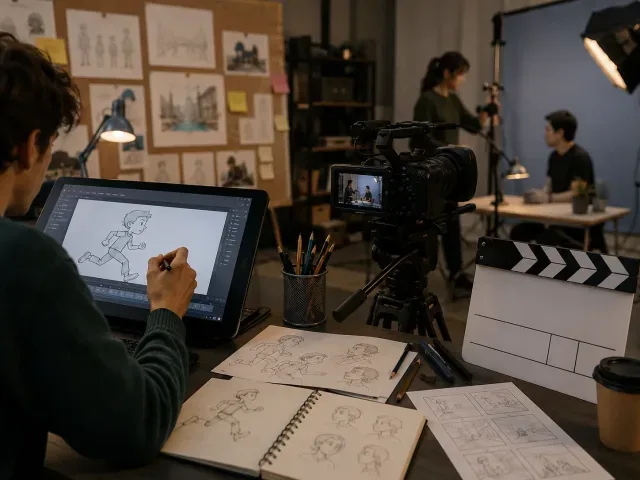
Plan your animation: storyboarding and animatics

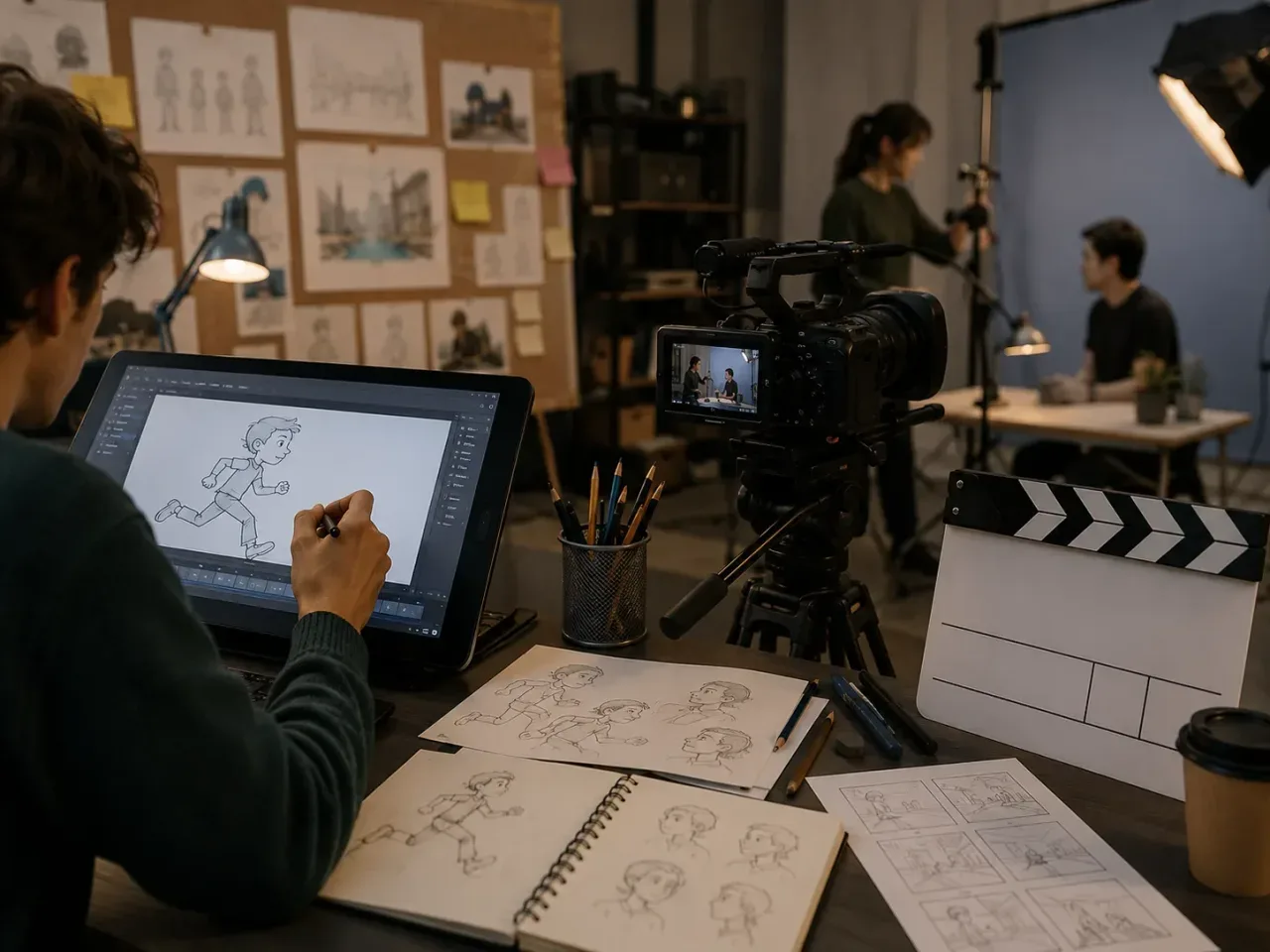


A beginner course on using shot design, storyboards and Premiere Pro CC animatics to plan and communicate film or animation ideas.
About this course
The course examines how storyboards and animatics are used to plan film and animation projects. Participants explore shot types, framing, camera angles and camera movement, then draw and annotate storyboards to show action, sound and timing. Teaching combines workshops, short lectures, demonstrations, practical exercises, hand-outs and group and individual assistance. Participants also use Premiere Pro CC to present a storyboard as a basic animatic.
What you'll learn
- Explain the role of storyboards and animatics in film and animation practice
- Identify and use terminology for different shot types, camera angles and camera movements
- Draw and annotate a storyboard showing framing, movement, action, sound and timings
- Describe how shot choices and camera movements are used to communicate an idea
- Create a basic animatic from a storyboard using Premiere Pro CC
Is this course right for you?
The course is labelled Beginner (A1) and is intended for learners without prior experience in storyboarding or Premiere Pro. Basic computer operation is expected, including opening applications, navigating and saving files. Teaching combines group activities with individual exercises and assistance.
- No previous storyboarding or Premiere Pro experience is specified.
- Basic ability to open applications, navigate and save files is expected.
- The course includes both group learning and individual practical work.
Before you go
- Apple Mac computers and professional equipment and software are available for use during the course.
- Course tasks, notes and resources are stored in Google Classroom; learners need to log in before each session.
- A memory stick may be useful for taking work home. A portable hard drive can also be used, although PC-formatted drives can be read but not written to by Apple Mac computers.
Class teacher
Stephanie Griffiths
Class teacher
Where this course runs
Upcoming classes
1 class
Selected date
Sat 13 Feb 2027
10:30 – 16:30 • 1 day
£129
Keeley Street, Covent Garden